Verified Solution
Playbooks
Vendor Assignment to a Work Order

343 Views
0 Replies
Once Vendors are set up in the platform, you can assign them to a Work Order. This will provide them with the required information for the work performed, and the ability to upload Notes and change the Status of the task to be reflected in Sweven.
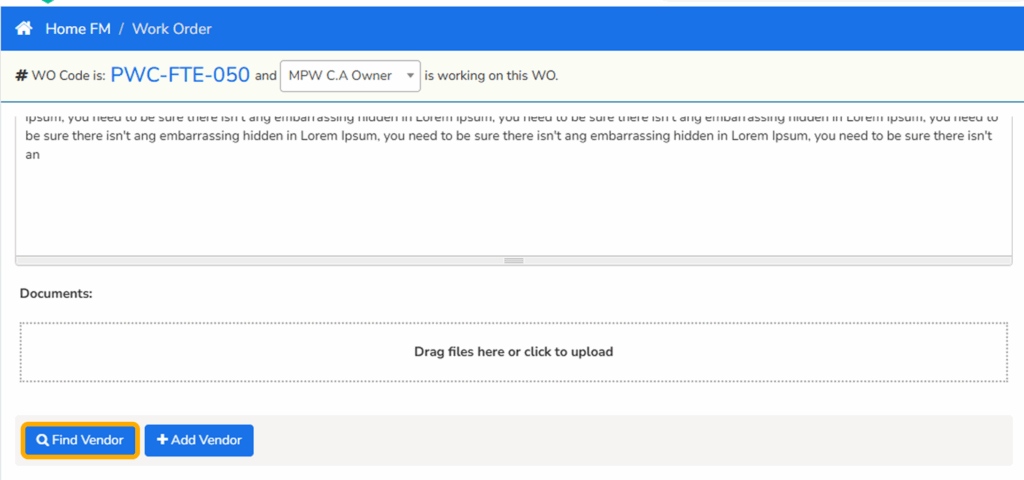
In a Work Order go to the “Find Vendor” module, below the Job Description.
Vendors matching the Category Trade and Category Problem will be displayed by Distance to the Site selected for the Work Order.
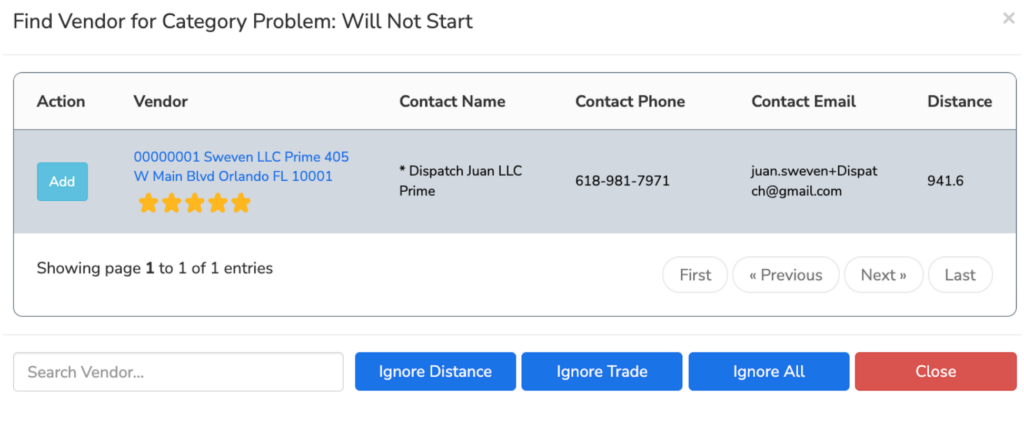
Also see, Vendor Rating.
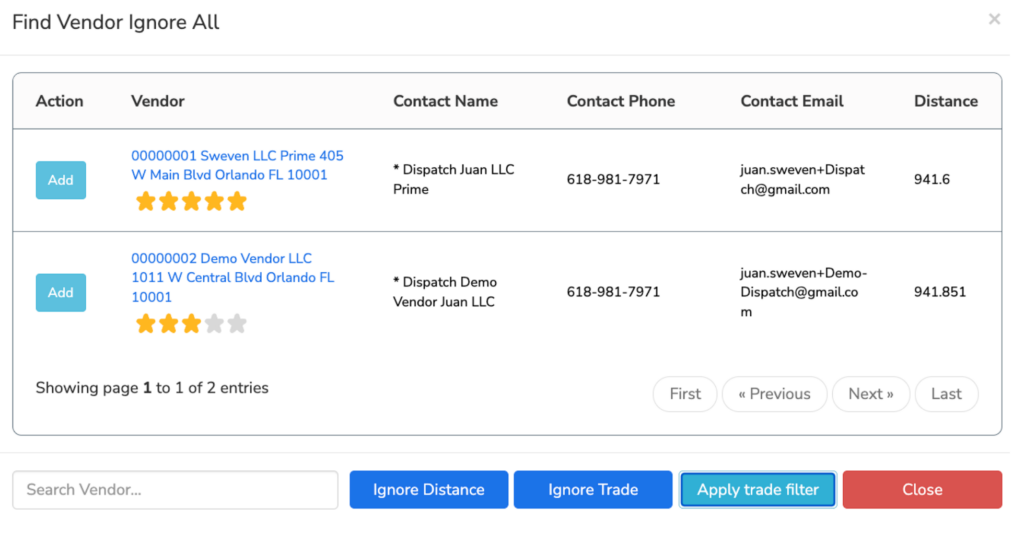
If you select “Ignore All”, all Vendors in your Vendor list will be displayed by Distance.