
How to report an issue with the SWEVEN system?

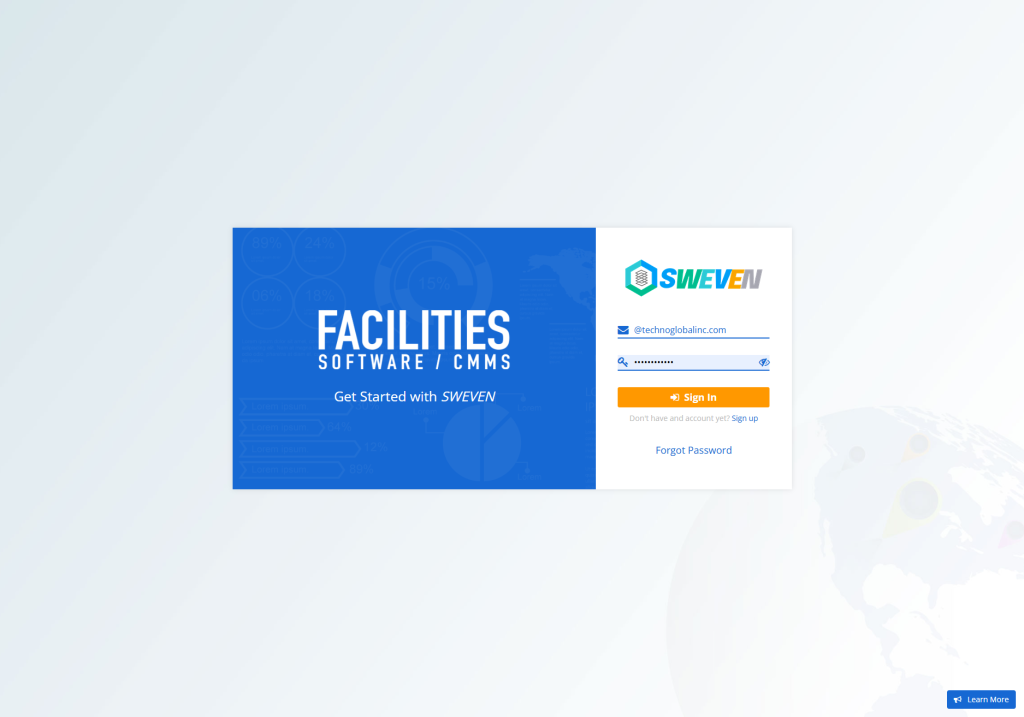
Login: app.swevenbpm.com with your account

Once we have accessed the account, we will go to the “New Requirement” button.

We are going to find a form that must be filled out, add a copy address if you consider so:
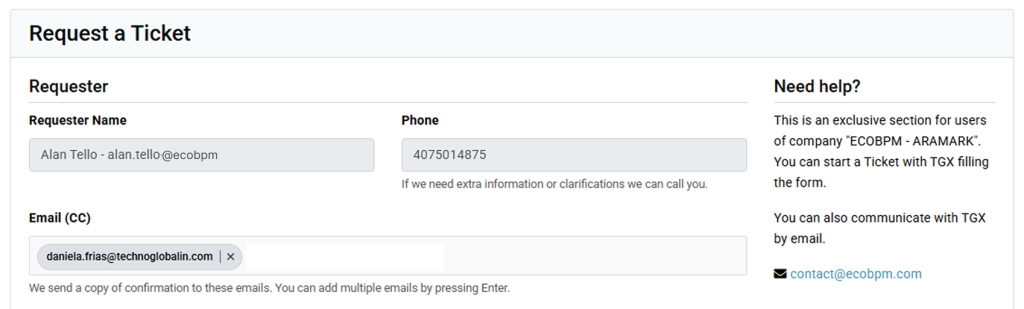
Do you consider your error to be critical? add the level of emergency that requires the issues.
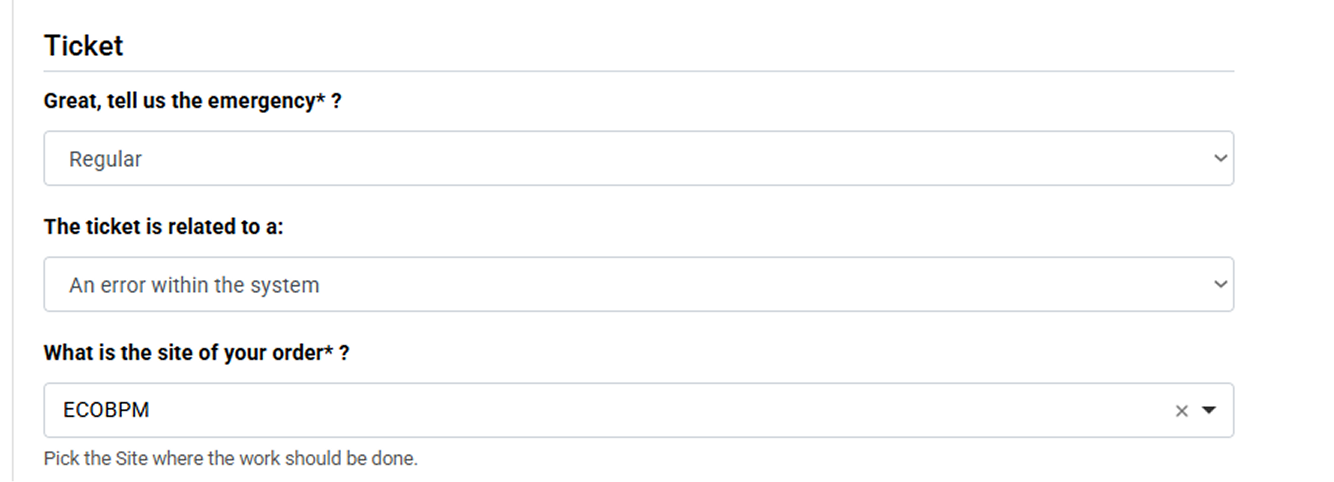
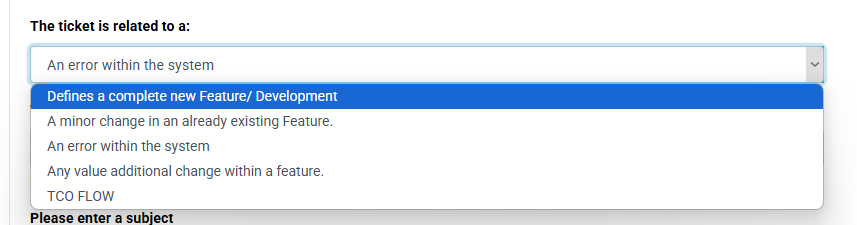
The corresponding options are chosen and the subject problem is added, add a clear description of the issue, this will be beneficial to replicate the problem and come up with an efficient and immediate solution.
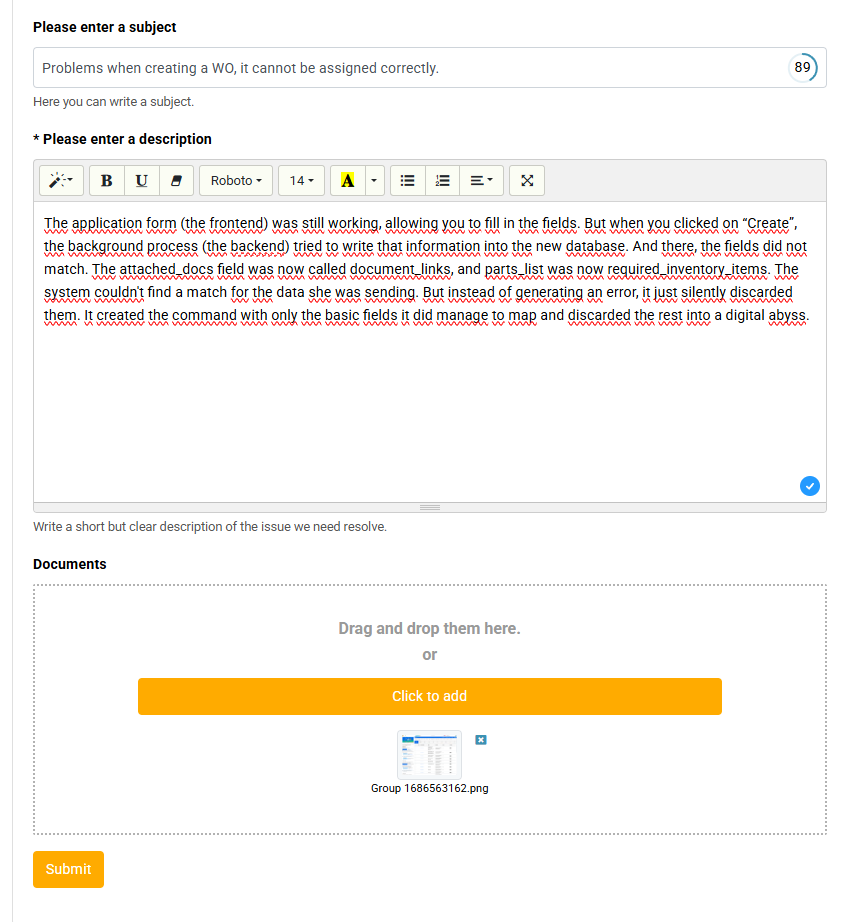
It is important to add a screenshot of the issue, it is important that the screenshots reflect the issue you are experiencing.
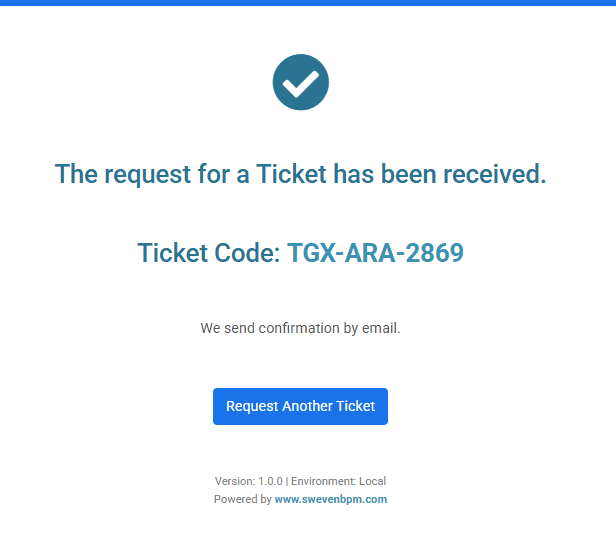
The SWEVEN support team will now receive the reported issue and provide a solution or answer your questions. You can follow up using the ticket code.
Content you might be interested in:
How to enter the vendor portal?