
How to qualify and select the best vendors?

Sweven can help you classify your vendors by rating in its vendor module. This allows for objective selection of your best options when performing a job using an external vendor.
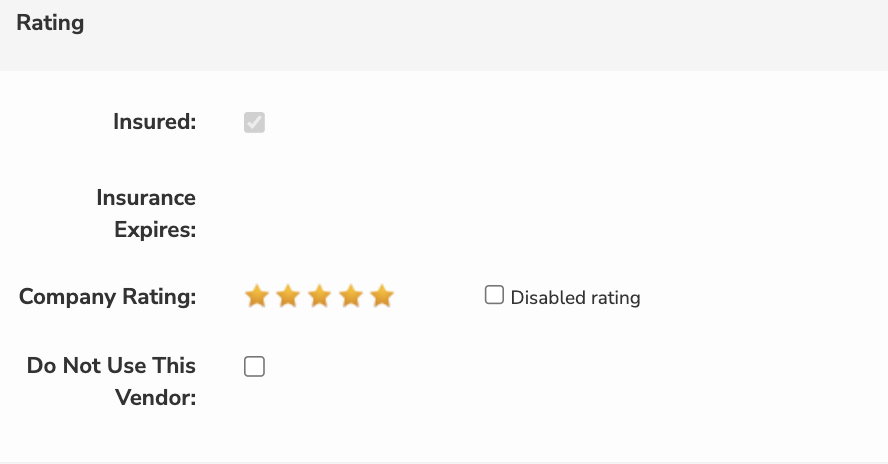
If you notice a Vendor is performing above and beyond your expectations, you can qualify this Vendor with up to 5 stars.
Vendor Rating
You can rate a vendor by accessing the hamburguer menu and scrolling to List Managers/Vendors.
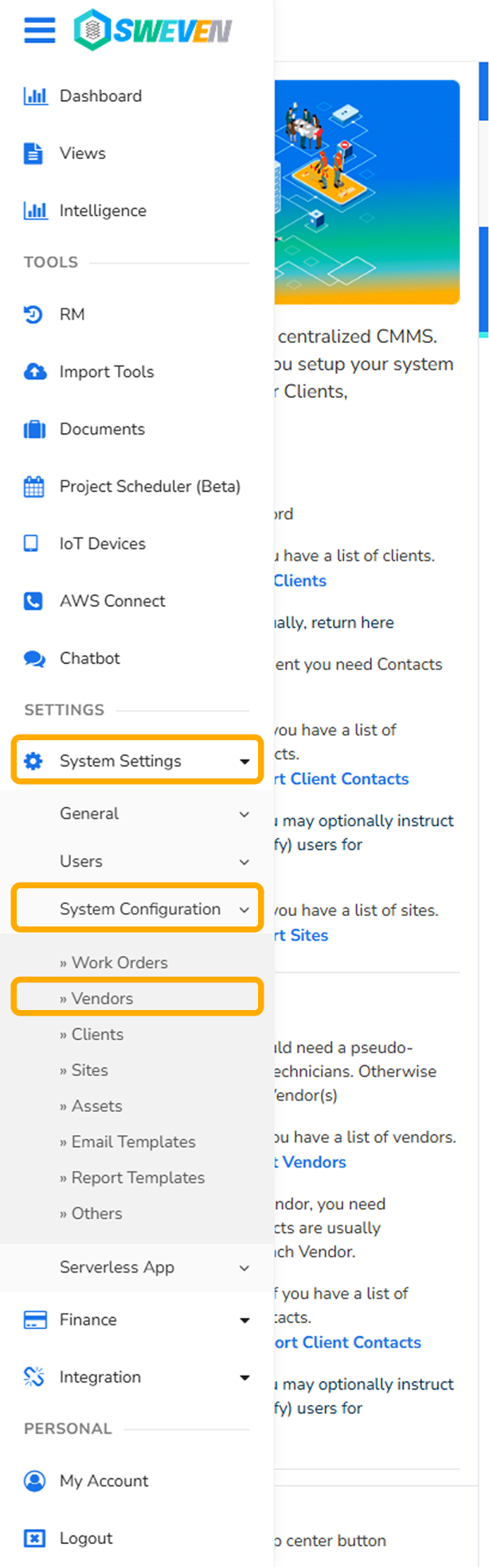
Select a Vendor from your Vendor list.

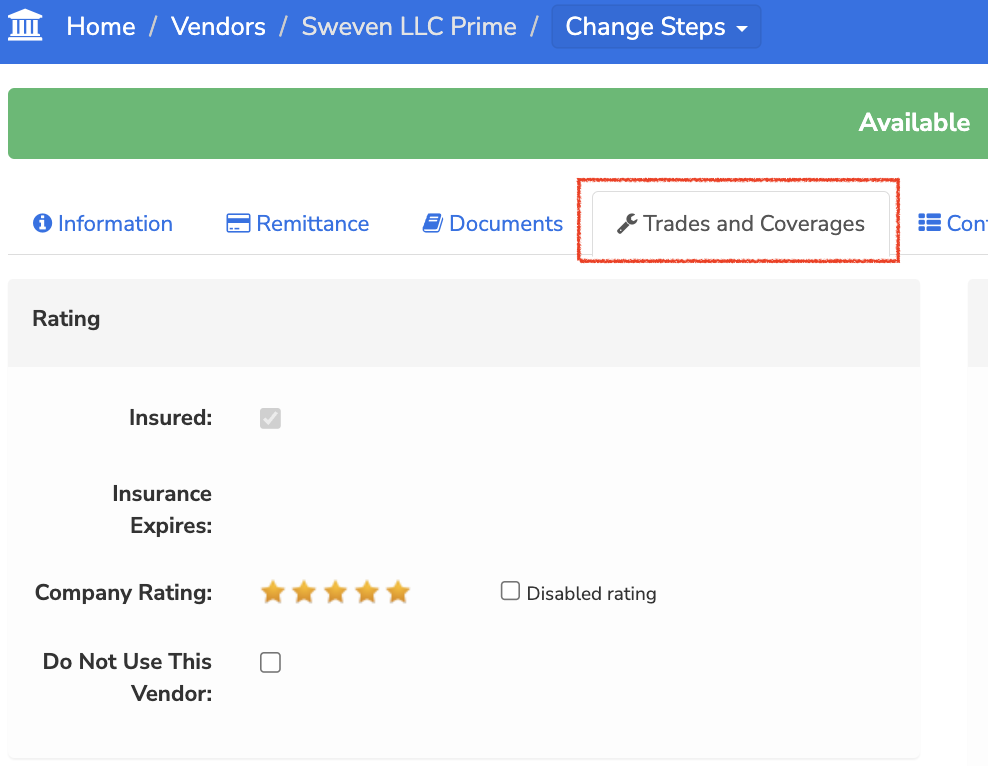
Click on the «Trades and Coverages» tab. On this menu you can define a Vendor’s Rating.
Once a vendor has been rated, next time you create a work order and proceed to assign to an external vendor, the «Find Vendor» option will show the vendors matching your Category Trade with your set star rating.
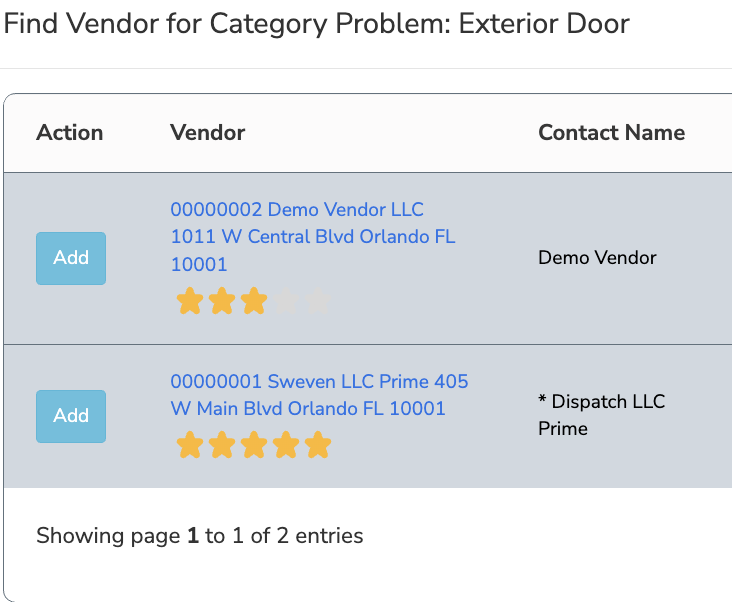
This makes for easy selection of the best available option for the selected category trade and problem.