Verified Solution
Playbooks
Creating your Sweven account.

881 Views
0 Replies
Watch this video tutorial.
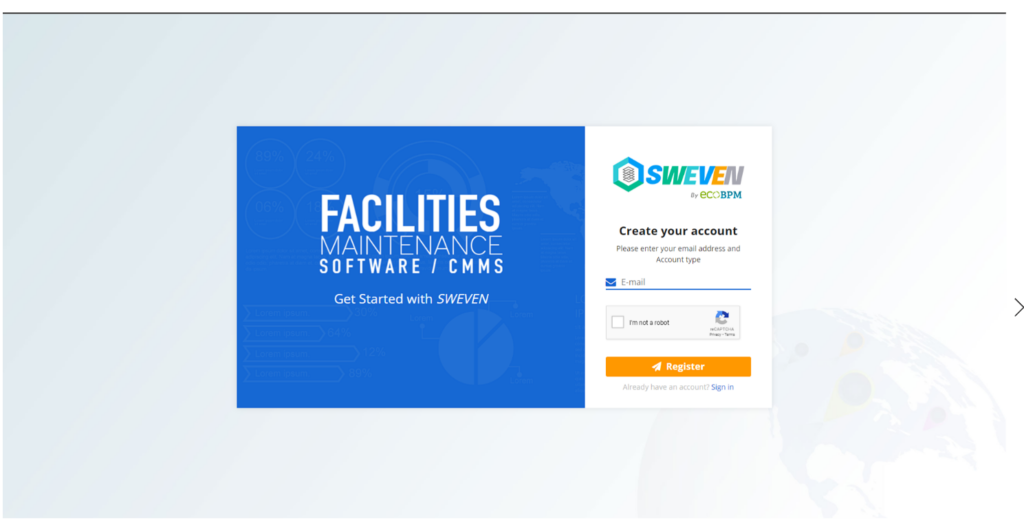
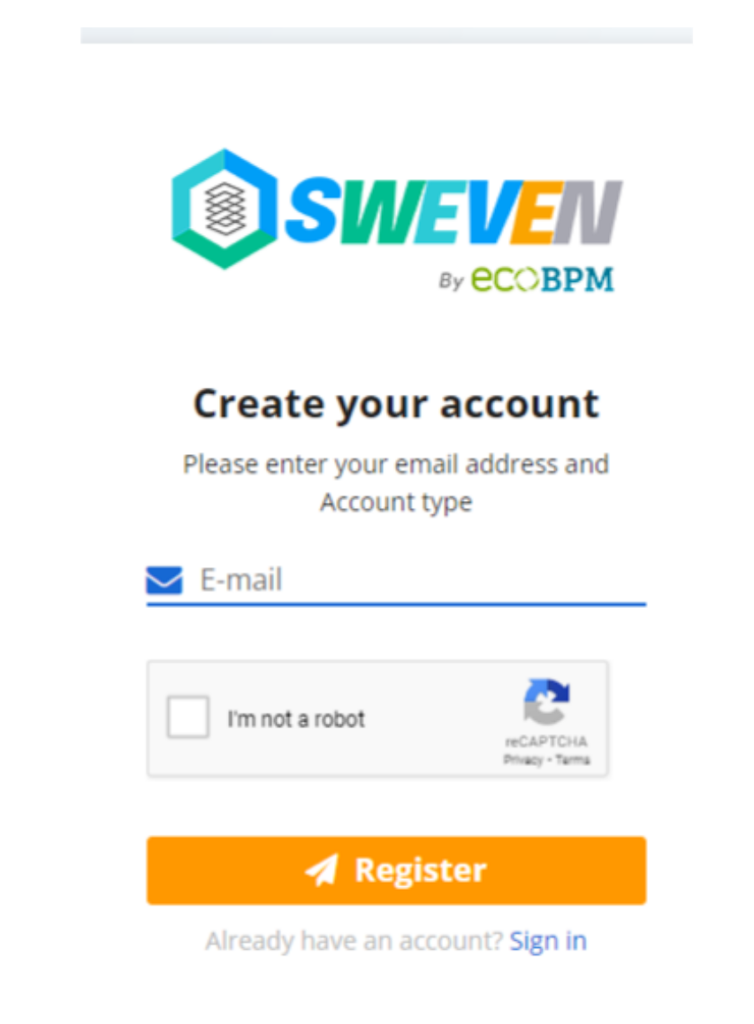
Step 2: Type your email address and then click «Register»
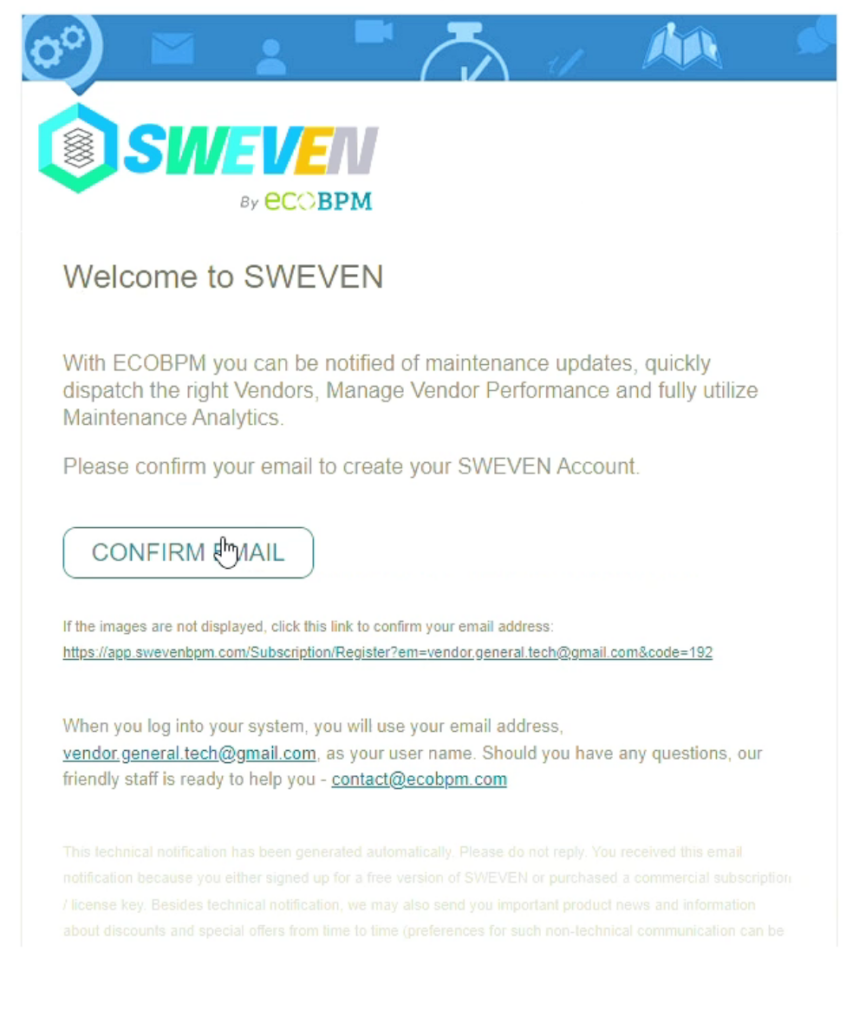
Step 3: You will receive a confirmation email, click on
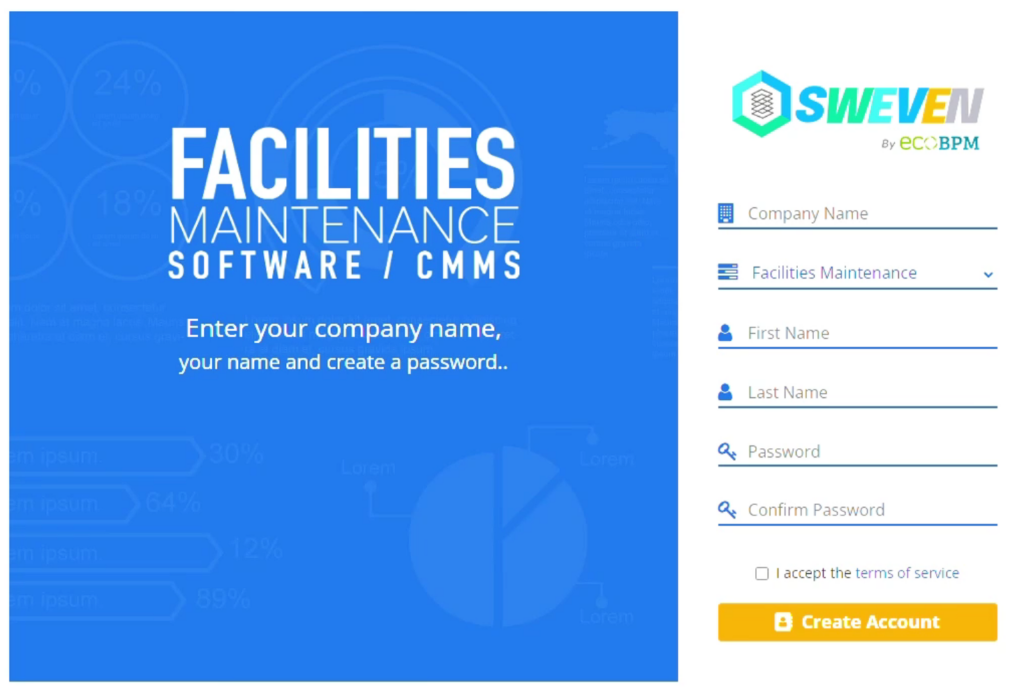
Step 4: Fill in all the fields and then click «Create account»
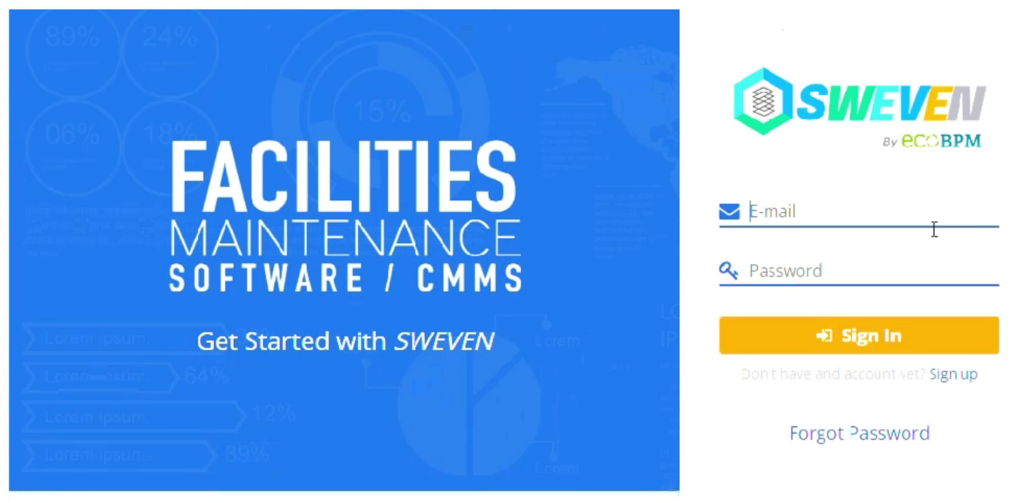
Step 5: You will be redirected to the sign in page, type in your email and password.
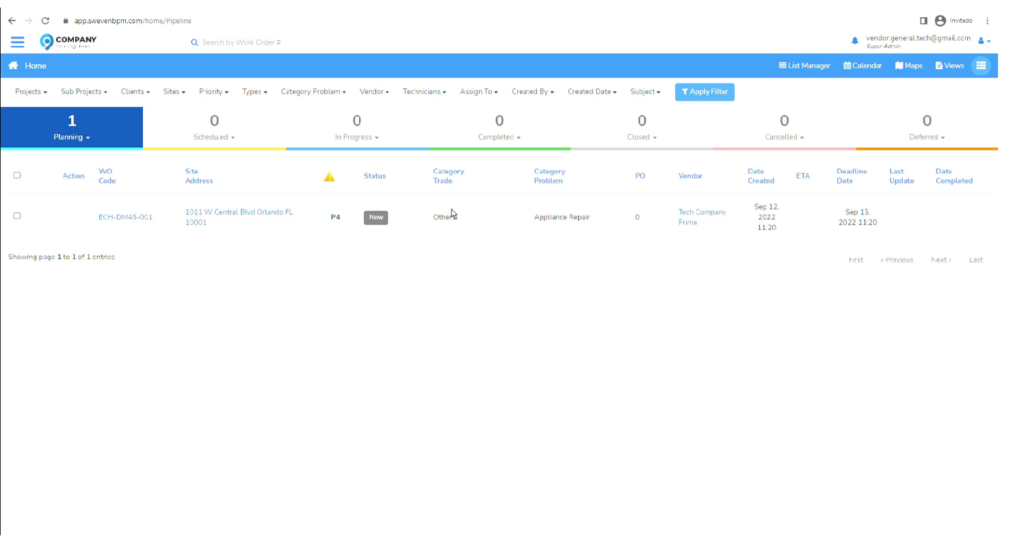
Step 6: You can now register your vendors or staff. And start creating and assigning new work orders to them.