
How can your clients create or report a service order/work order?

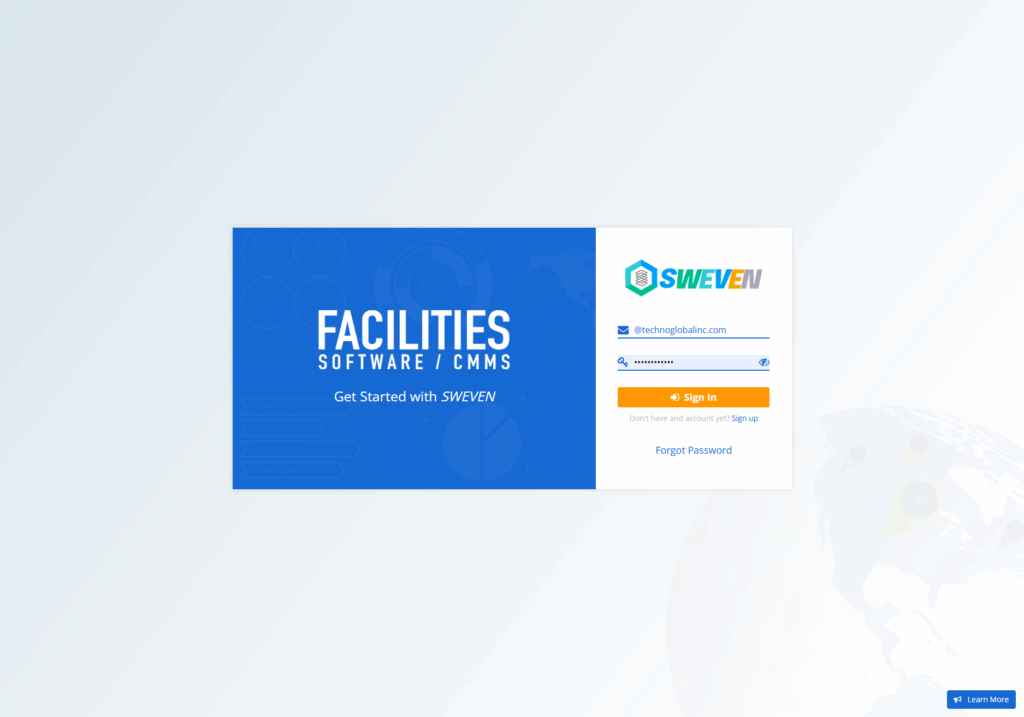
Login: app.swevenbpm.com with your account

Once we have accessed the account, we will go to the “New Requirement” button.
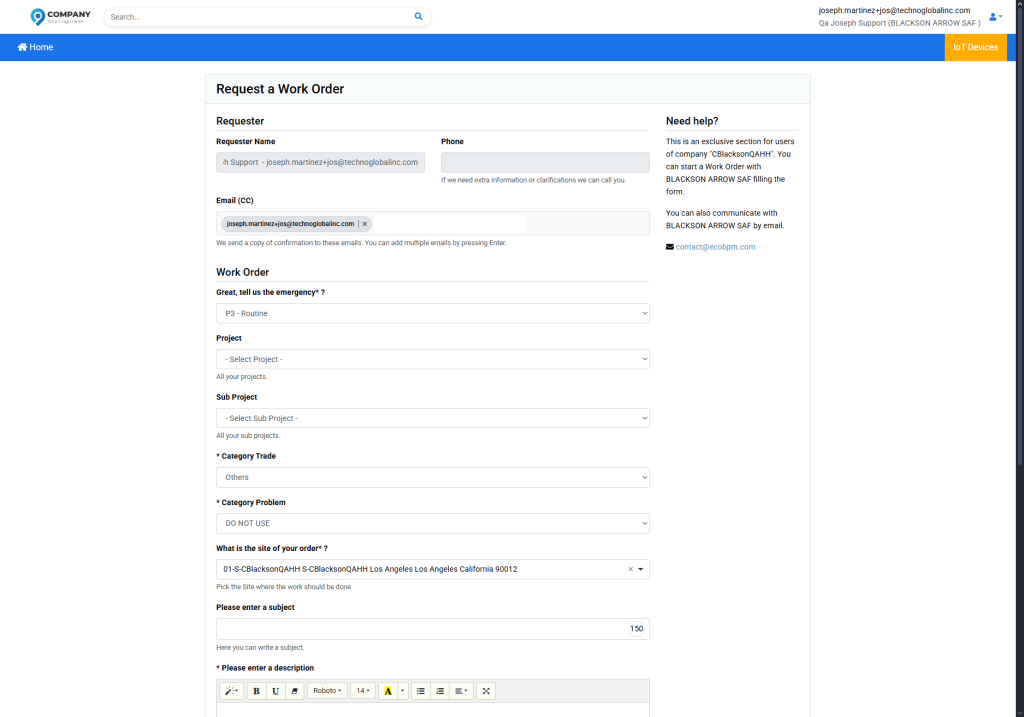
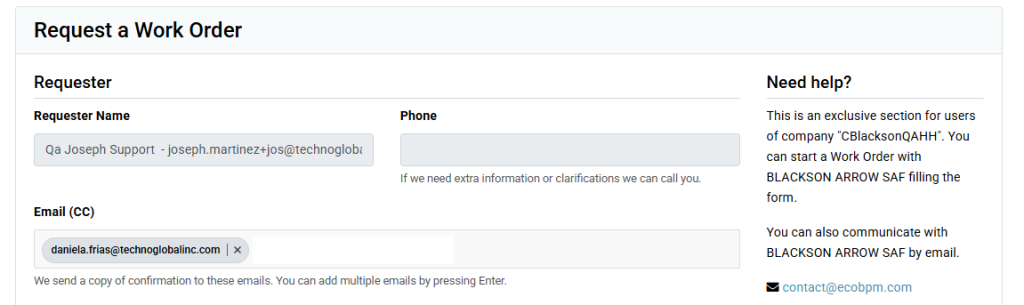
We are going to find a form that must be filled out, add a copy address if you consider so:
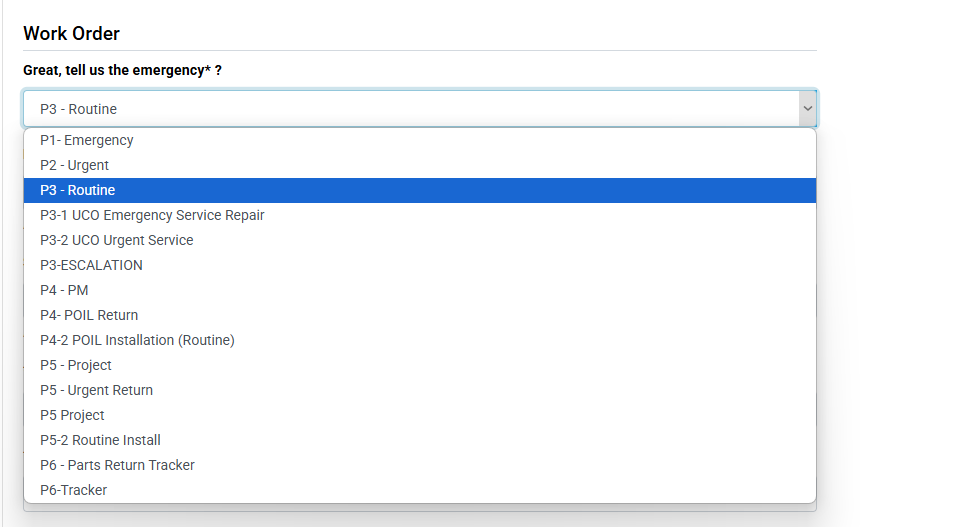
Do you consider your error to be critical? add the level of emergency that requires the issues.
The corresponding options are chosen and the subject problem is added, add a clear description of the issue, this will be beneficial to replicate the problem and come up with an efficient and immediate solution.
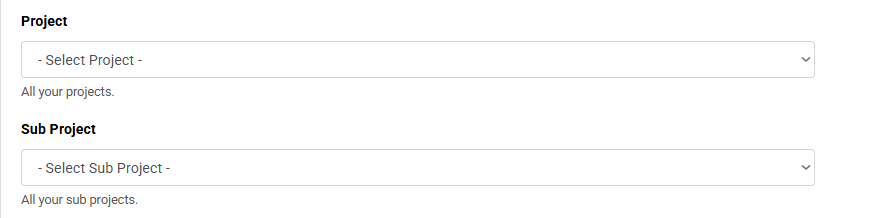
You choose the project and sub-project to which the issue refers.
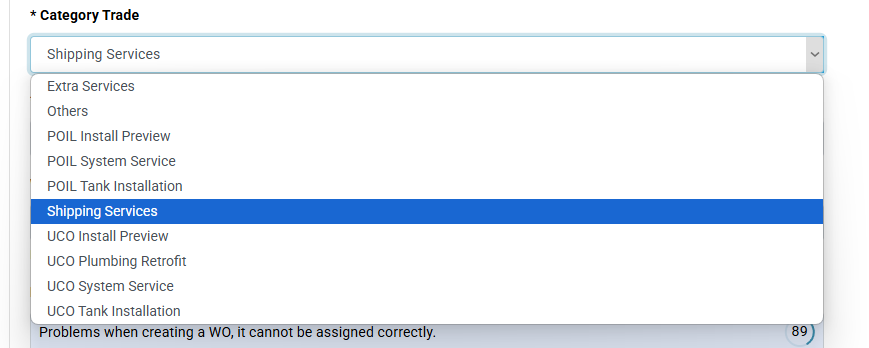
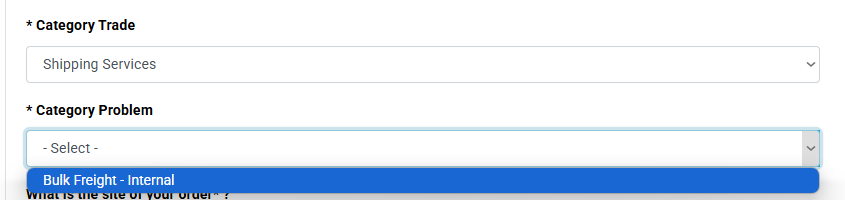
Select the category that is most convenient for you according to the issue in question.
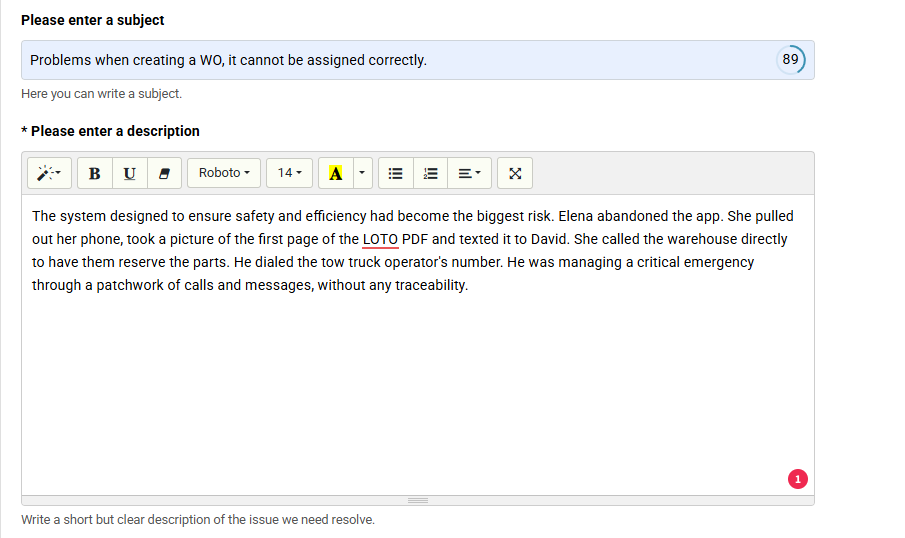
The corresponding options are chosen and the subject problem is added, add a clear description of the issue, this will be beneficial to replicate the problem and come up with an efficient and immediate solution
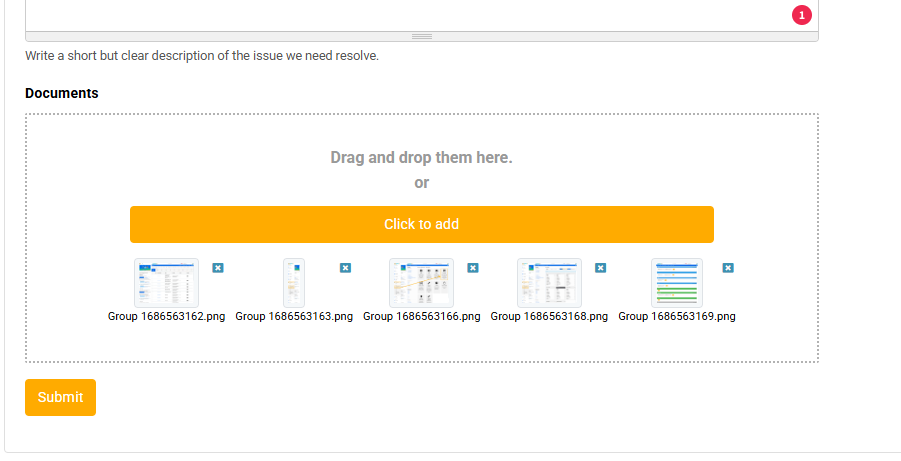
It is important to add a screenshot of the issue, it is important that the screenshots reflect the issue you are experiencing.
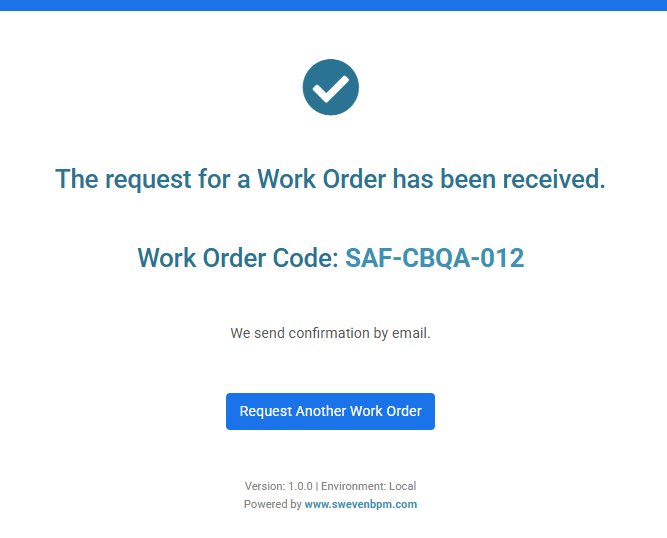
The support team will now receive the reported issue and provide you with a solution or answer your questions. You can follow up using the ticket code.