
For Clients: How to create my first WO (work order)?

Welcome to Sweven Marketplace! We’re excited to help you discover unique products and amazing vendors. Here’s how to get started:
1. Explore and Discover:
Browse Categories: Navigate through our diverse categories to find what you’re looking for.
Use the Search Bar: If you have something specific in mind, type keywords into the search bar.
Filter and Sort: Use filters (e.g., price range, location, ratings) to narrow down your search results.
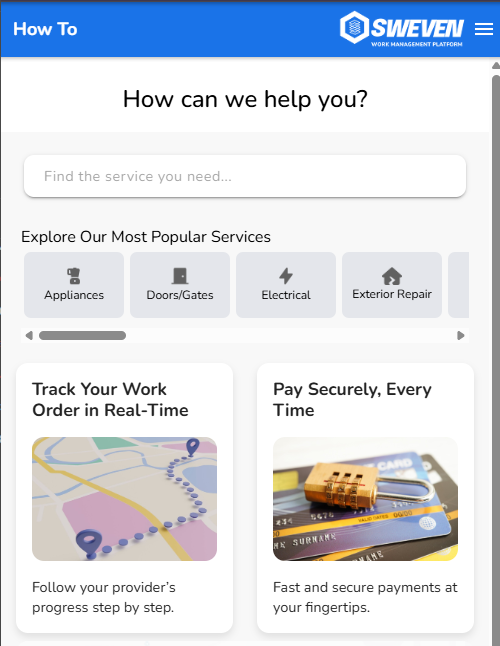
2. Create your first WO
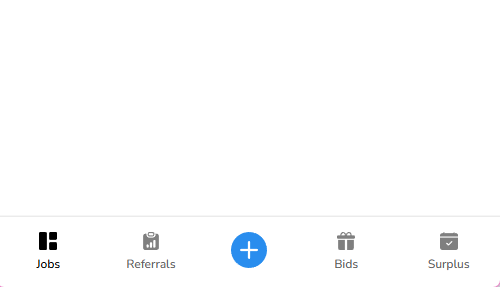
- Click on the plus (+) at the bottom of the page
3. Select your type of service:
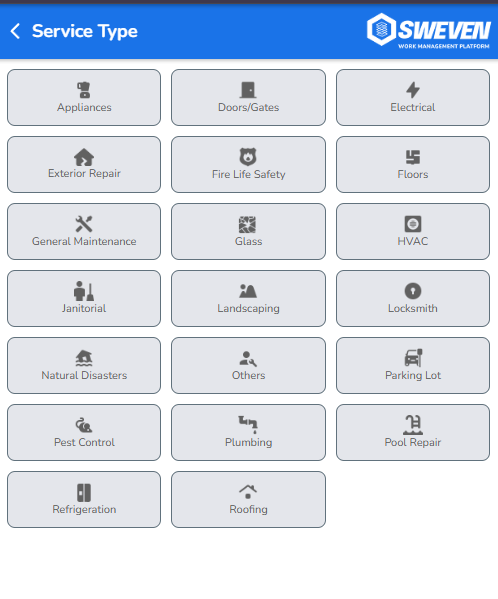
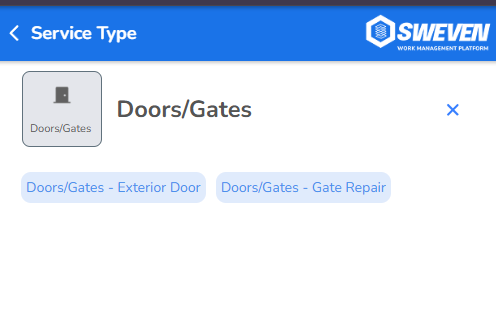
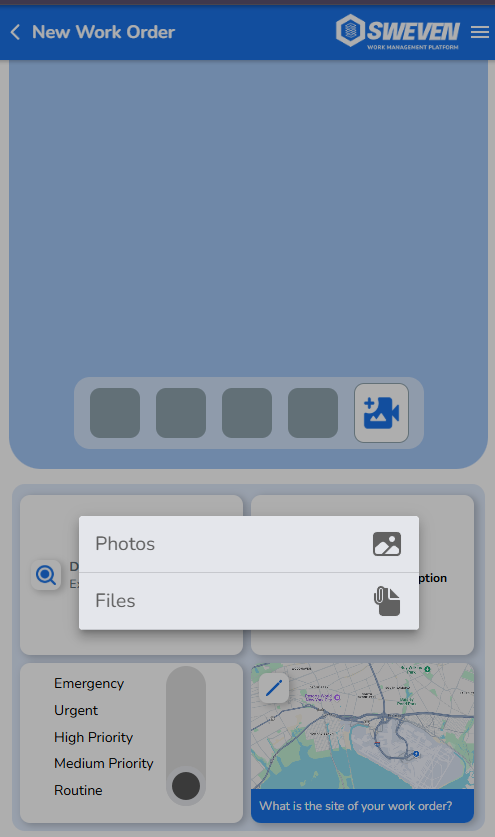
4. Upload images that help visualize the problem, the more images, the better it is suggested that they are clear images that reflect the problem.
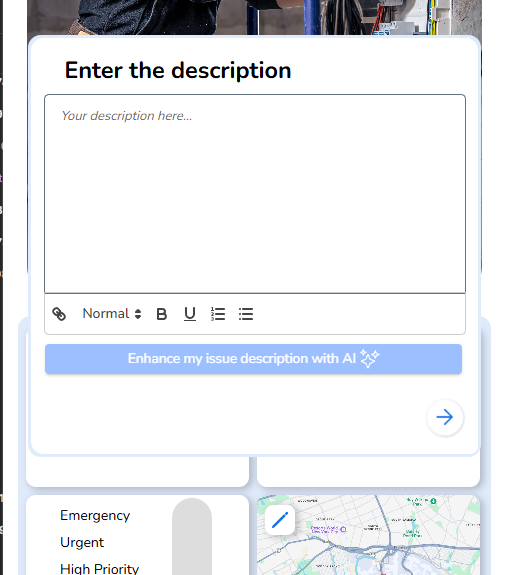
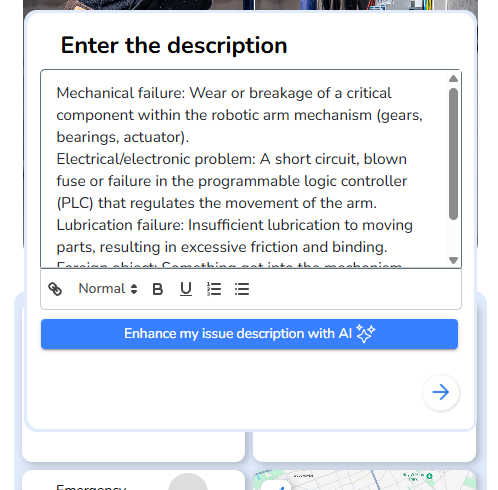
5. Write a clear description, you can use our AI to help you with the details of the problem.
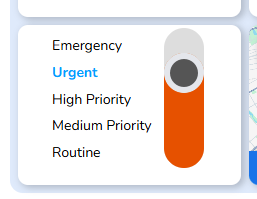
6. Add the priority of this issue
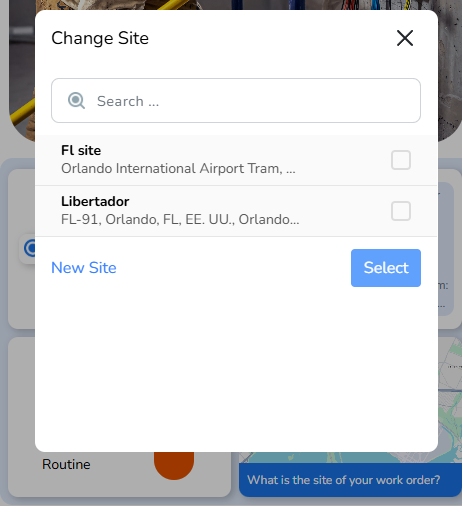
7. The exact location
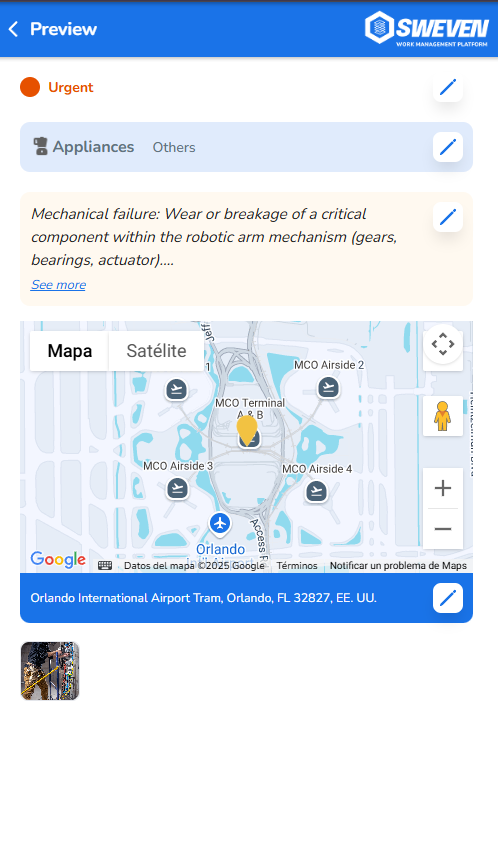
8. Review all the details before creating the order
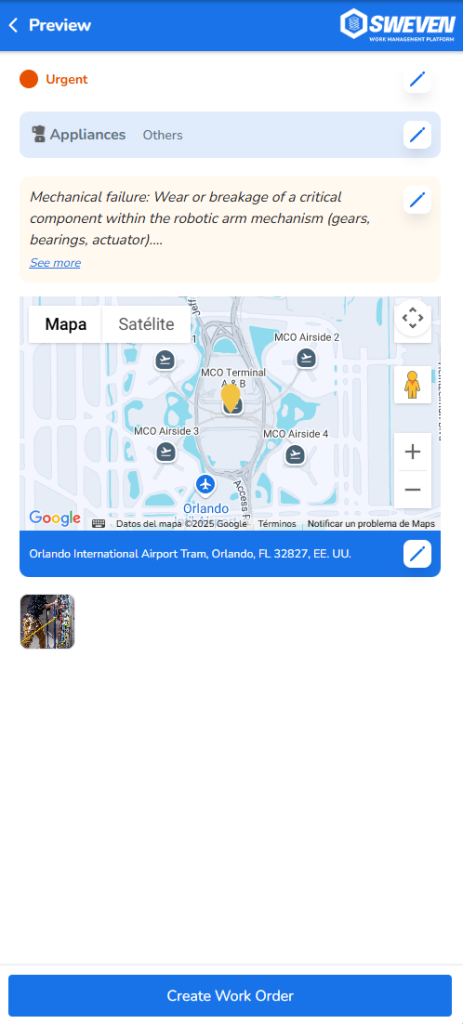
9. Create your first WO!
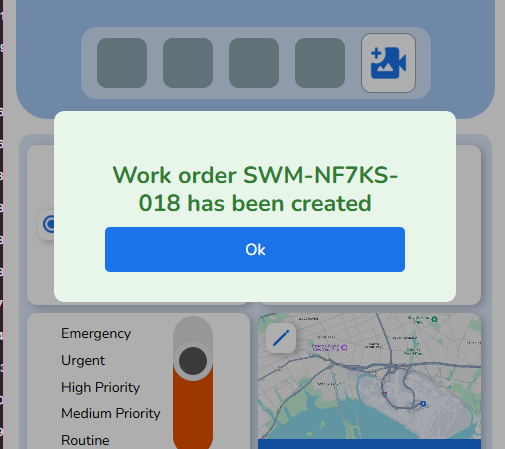
WO successfully created, do the right follow up!