
How to Use Vendor Communication

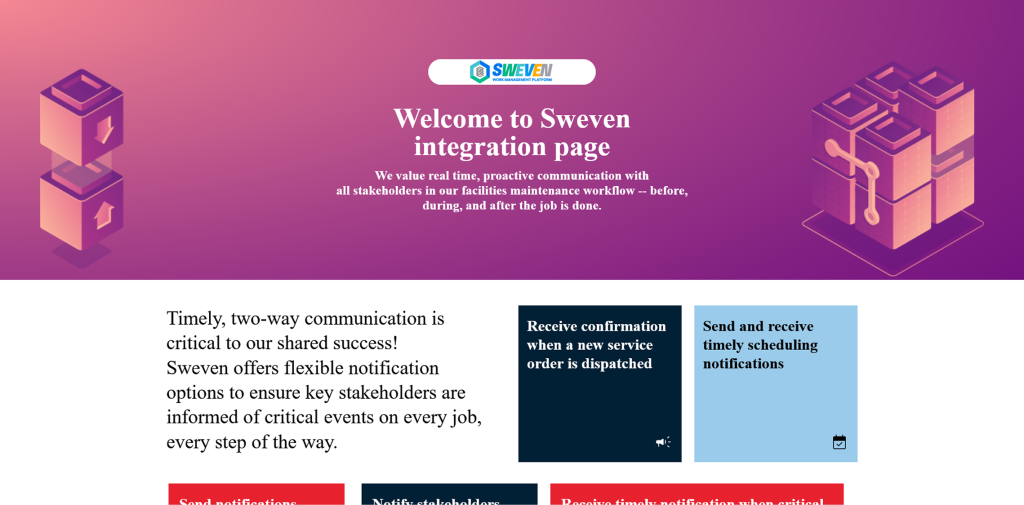
SWEVEN’s Vendor Communication feature allows vendors to choose how they want to interact with your organization when managing Work Orders (WOs). This flexibility helps:
Speed up response times
Increase vendor satisfaction
Improve overall workflow efficiency
Key Features
Multi-Channel Communication
Vendors can choose from multiple communication channels based on their preferences and workflows:
Email
SMS
Vendor Portal
IVR (Phone)
API Integration
Zapier Automation
Quick-Action Invitations
Easily invite vendors to configure their communication via a simple email. The setup takes only a few clicks and requires no login.
Intelligent Notifications
SWEVEN sends clear, structured notifications through the selected channels. Notifications include smart links to interact with the work order instantly.
Support for Automation and Integrations
Advanced users can integrate directly via SWEVEN’s API or automate workflows with Zapier—ideal for tech-savvy vendors and scalable operations.
Seamless Integration with Work Orders
Vendor Communication works hand-in-hand with SWEVEN’s Work Order lifecycle. Communication preferences are automatically applied when dispatching a WO, ensuring a smooth and automated experience.
Smart Interaction Options
Vendors can:
Accept or reject work orders directly from email or SMS.
Update status without logging in.
Navigate workflows using intuitive action buttons.
Centralized Communication History
All vendor interactions—notifications, actions, and notes—are recorded in the Work Order’s activity log, ensuring full visibility and accountability.