Verified Solution
Playbooks
Inviting a Vendor

856 Views
0 Replies
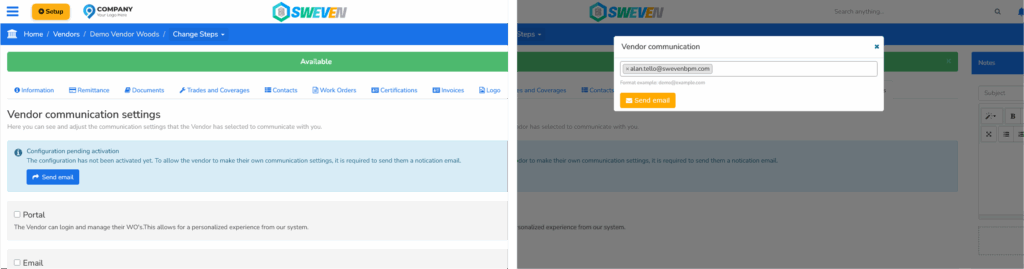
To invite a vendor:
Click the blue «Send Email» button.
In the modal box, enter the vendor’s primary email address.
Click the orange «Send Email» button.
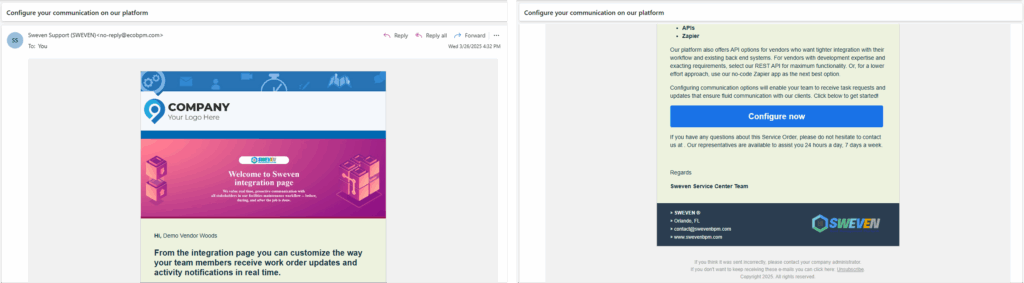
This sends the vendor an Integration Page Invitation email with a brief explanation and a link to configure their communication preferences.