Verified Solution
Playbooks
Edit personal info

714 Views
0 Replies
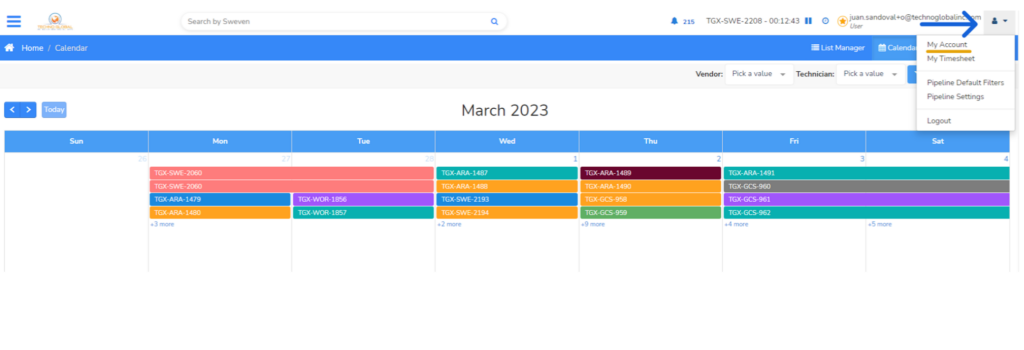
You can access your account settings by clicking on the user icon on the top right of Sweven. Then, click «My Account»
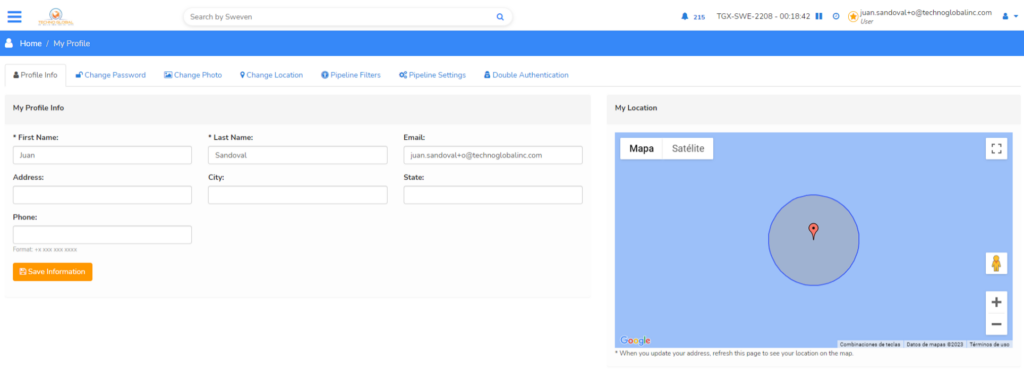
On the «Profile Info» Section, you will be able to edit your personal information such as name, address, or phone number.